

Apple Mail inbox categories promise to turn any jumbled inbox’s chaotic mess into a something resembling order, emails sorted into neat buckets. What do these categories mean, though, and which emails should go into each category? Find out here what the Apple Mail inbox categories mean ⤓ and which to use for what kind of email.
On This Page
Apple Mail Inbox Categories: What They Mean and How to Use Them
Apple Mail can sort incoming emails into four categories automatically (or based on the sender) on Mac, iPhone, iPad and on the web as iCloud Mail at iCloud.com:
Their word: Apple include rudimentary information on inbox categories in the iCloud User Guide.
- Updates
You will find newsletters in this category, subscriptions to websites and blogs as well as social media updates.
Examples: A subscription to La De Du, notifications from LinkedIn, A.Word.A.Day emails,… - Promotions
In this category, you will find information about sales or product updates from stores you frequent, coupons.
Examples: A notification that your favorite kind of brush is on sale at an art supply store, an email from Amazon - Transactions
Here, you will find receipts, invoices, shipping notifications, tickets, tracking links and anything else directly related to purchases.
Examples: A FedEx shipping update, an invoice from your favorite sailing supply store, a reservation confirmation from the ferry to Aomori - Primary
Mail will collect all personal emails (emails from your contacts or people you have emailed in the past) in this category as well as time-critical updates from other categories.
Examples: An email from your aunt, an alert about a log-in to your account on a new device or an update to the local train timetable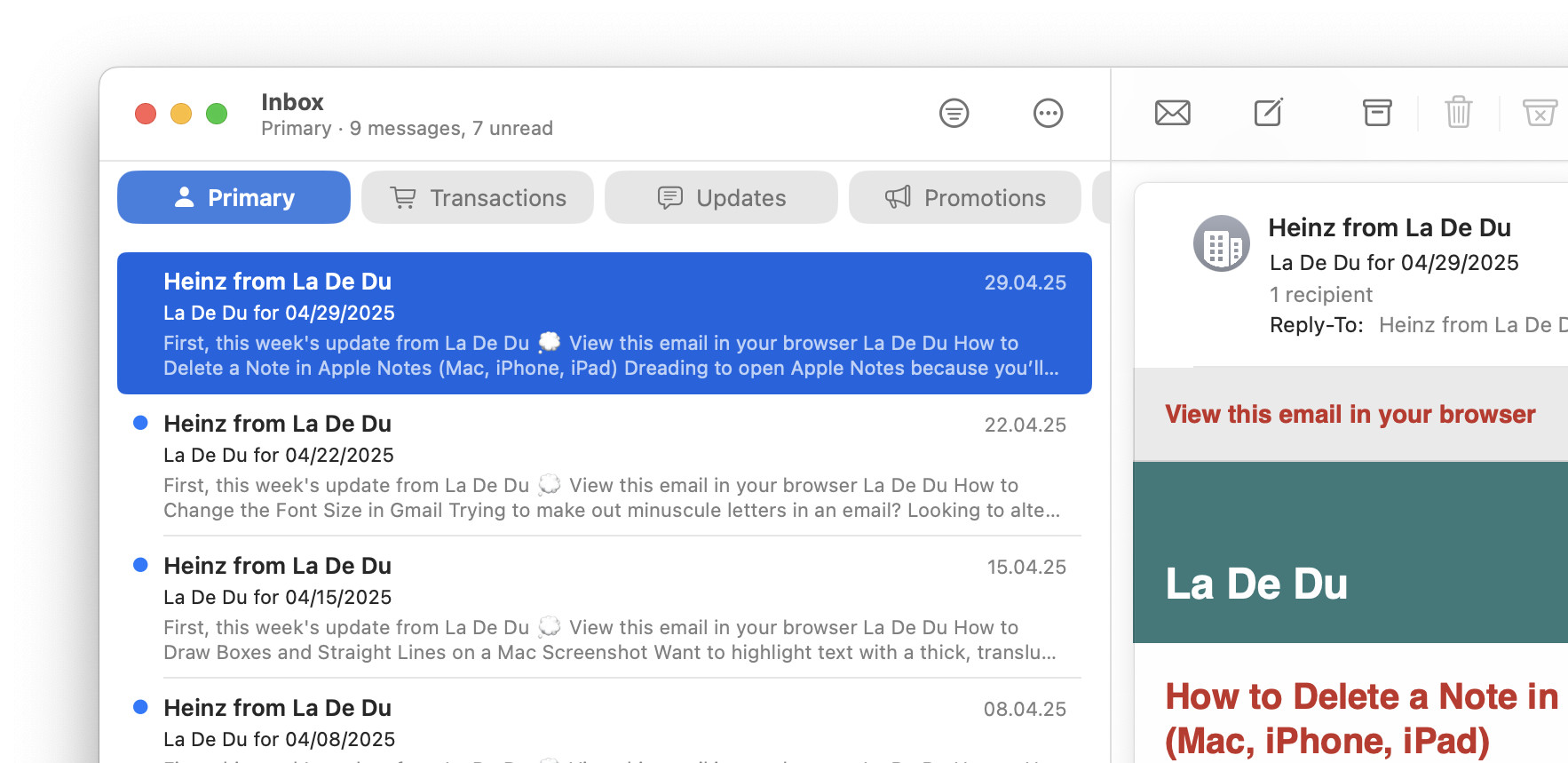
All together now: “Primary transaction updates!”
Tips help fuel these email and tech how-tos.
What the Apple Mail Inbox Categories Mean: FAQ
Can I choose which Inbox categories to use?
No.
Enabling inbox categories in Apple Mail and iCloud Mail will always turn on and sort to all categories automatically.
While you can have specific senders sort to a particular category, you cannot disable categories altogether.
Email in the wrong category?
iCloud.com: How to Classify a Sender for iCloud Mail Inbox Categories
iPhone and iPad: How to Categorize a Sender’s Emails in iPhone Mail
Mac: How to Categorize a Sender in Apple Mail for Mac
Can I assign categories to emails?
Yes and no.
While you can assign categories to senders (and have all their emails go to the specified category), you cannot choose categories manually for individual emails.
Another kind of “inbox”: How to Subscribe to Channels on YouTube
(Tested with iCloud Mail and Apple Mail for macOS 16 as well as Apple Mail for iOS 26; first published June 2025, last updated July 2026)