

Tired of Fastmail’s habit of always showing every vaguely related email alongside the one you’ve just opened? Find out here how to turn off conversation grouping in Fastmail ⤓ and see emails individually — or turn it on if you prefer neat threads collecting emails in one place.
On This Page
How to Turn Off or Enable Conversation Grouping in Fastmail
Time needed: 2 minutes
To manage conversation grouping (which displays related emails together, even from different folders or labels) in Fastmail:
- Open Fastmail settings.
Here’s how: Click the Settings gear icon in the top right corner of the Fastmail web interface.
- Go to the Mail preferences category.
Shortcut: You can open https://app.fastmail.com/settings/preferences to go to Fastmail email preferences directly.
- Select Show every message separately under Mail organization to turn off conversation grouping in Fastmail.
Threading: Tu turn on conversation grouping, select Group messages with their replies.
Here’s why you might want grouping: Private sticky notes for messages in Fastmail only work with conversation grouping enabled (because the notes are essentially replies to emails in a special folder).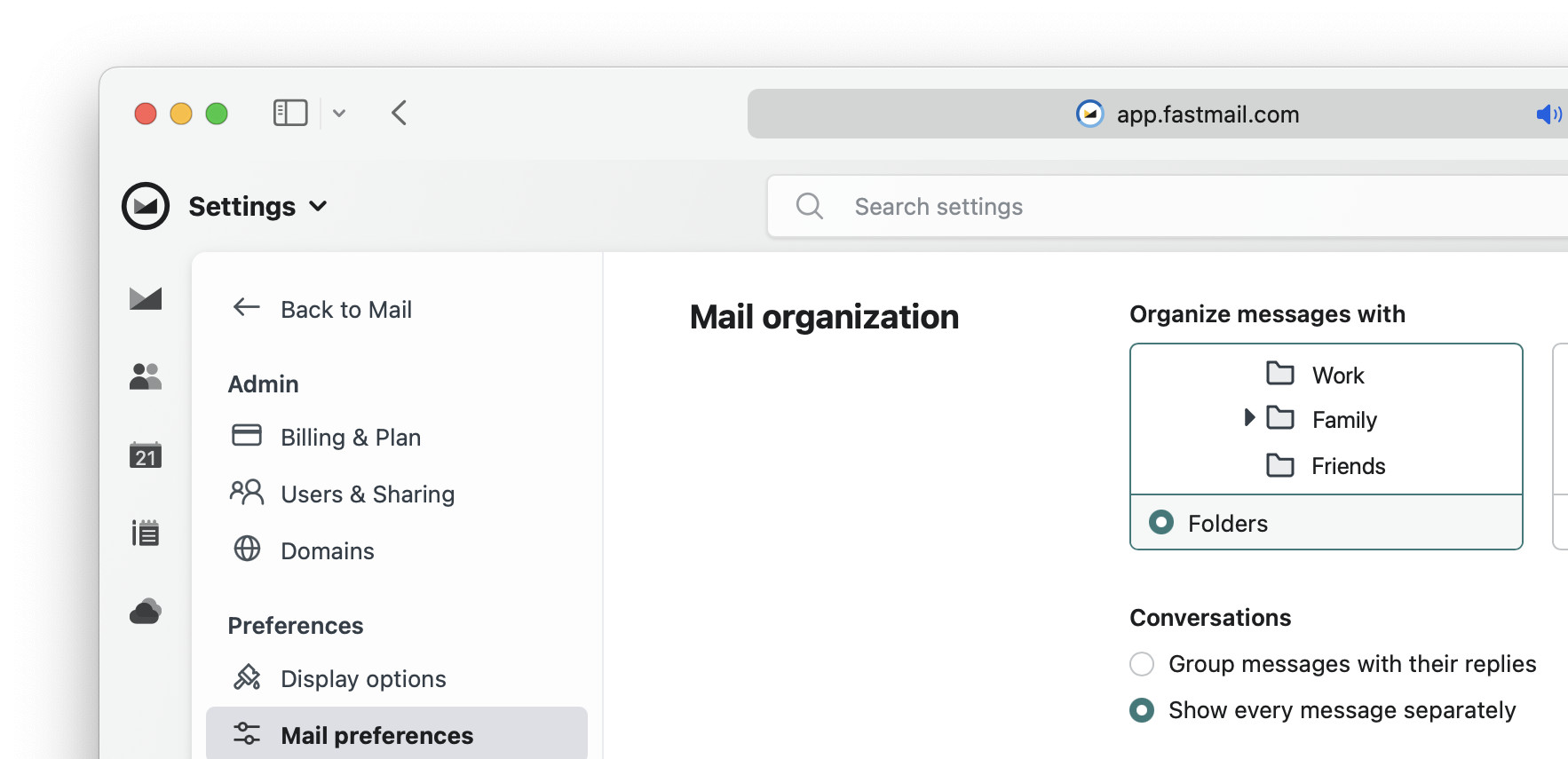
- Now click Back to Mail.
Their word: Fastmail include information on disabling conversation grouping in Fastmail help.
Threads behaving now?
Tips help fuel these email and tech how-tos.
How to Turn Off (or Enable) Conversation Grouping in Fastmail: FAQ
Will Fastmail conversation grouping make a difference if I access my account through IMAP?
No.
If you access Fastmail using iMAP in an email program, you can enable or disable conversation display right in the app.
Want to see even more of one email? How to View Full Email Source and Header in Fastmail
Act on more than one message irrespective of conversations: How to Select Messages in Fastmail
Does conversation grouping affect search results in Fastmail?
No.
Search results always include all relevant and matching messages; with conversation grouping on, Fastmail may show them inside their thread, though.
(Tested with Fastmail in a desktop browser; first published August 2025, last updated June 2026)