

You’re just re-opening a note you wrote last… Tuesday, or was it last year? Apple Notes doesn’t flaunt that kind of details, but you need not be left in the dark either. Find out here how to see the creation and last edited date for a note in Apple Notes ⤓ (on Mac, iPhone and iPad).
On This Page
How to See the Creation and Last Edited Date for a Note in Apple Notes for Mac, iPhone and iPad
Time needed: 1 minute
To find out when a note was first created in Apple Notes for Mac or Notes for iPhone and iPad:
- Open the note.
Here’s where: On macOS and iPadOS, you can open the note either in the main Notes window or in a separate window.
- Find the date and time of the last change to the note at the top.
Scrolling, scrolling: If you do not see the data initially, scroll to the very top of the note.
- Click or tap the note to reveal the date and time when the note was first created.
Here’s what happens: The line at the top will show the date and time with Created: as a prefix.
Back: Click or tap again to return to seeing the date and time the note was last edited, now prefixed with Edited: for clarity.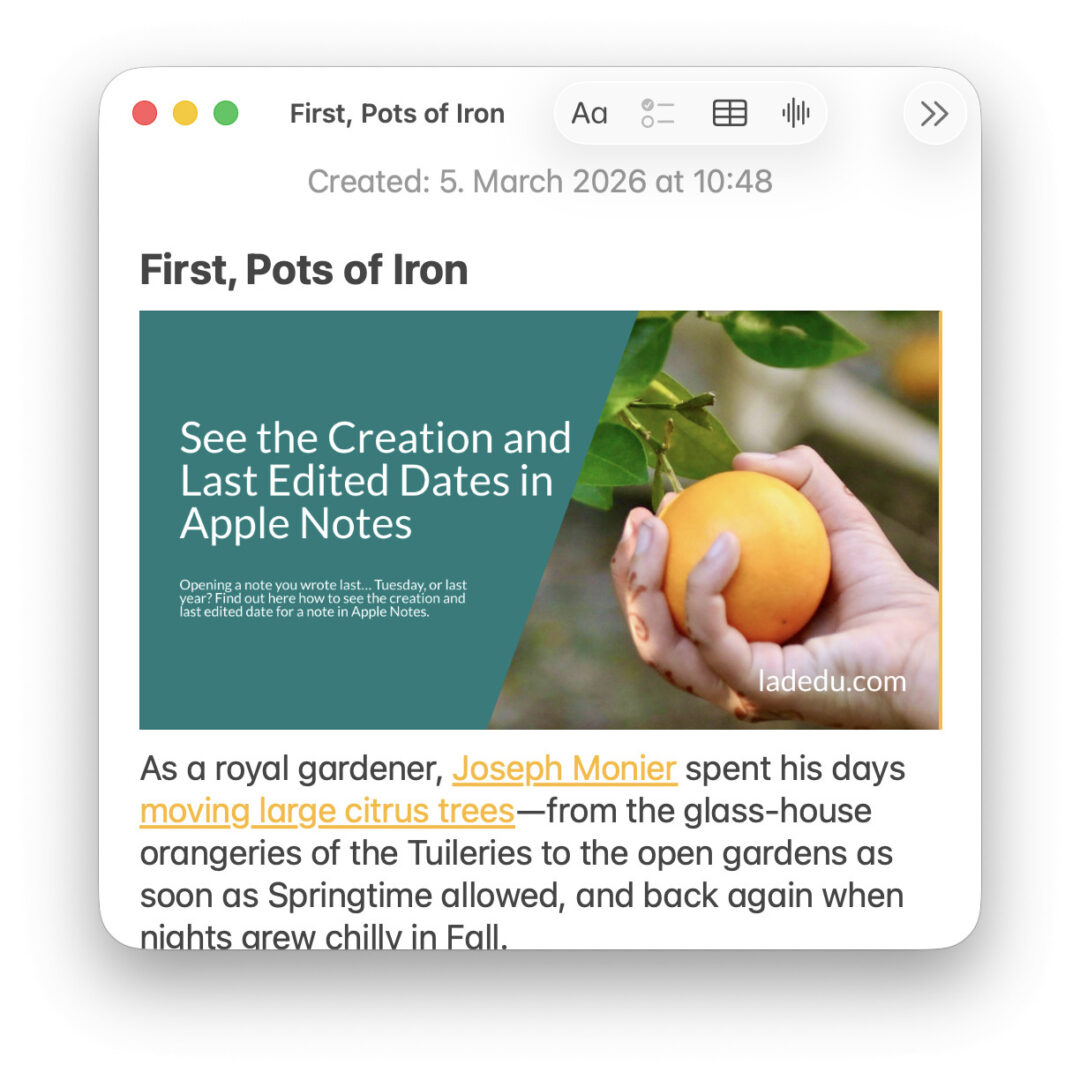
Hemerological insight achieved?
Tips help fuel these email and tech how-tos.
How to See the Creation and Last Edited Date for a Note in Apple Notes: FAQ
Can I see a history of changes in Notes?
No.
Apple Notes does not save a history of revisions for notes. You can only see the dates for the creation of a note and the last time it was edited.
Recency in other terms: How to Jump Between Recently Used Notes in Apple Notes
Getting specific: How to Check Your Apple Notes Version on a Mac
Can I view the creation date for a note in Apple Notes at iCloud.com?
No.
In Apple Notes on the web at iCloud.com, you can only view the last time a note was edited:
- Scroll past the very top of any note to reveal the last time it changed.
Can I see the creation date in the notes list?
No.
You can sort lists of notes by their creation date (and see them grouped into rough timespans), the list will still display the last edited date for each note.
Still useful: How to Find Old (Unneeded) Notes in Apple Notes
(Tested with Apple Notes 4 on macOS Tahoe 26.3 as well as iOS 26; first published March 2026, last updated September 2026)