

Wish iPhone Mail showed both priority inbox categories and all your emails — without fidgeting with obscure settings? Find out here how to see all mail temporarily while inbox categories are enabled in iPhone Mail ⤓.
On This Page
How to See All Mail in Apple Mail for iPhone When Priority Inbox Is Enabled
Time needed: 1 minute
To quickly glance at an overview of all emails in your inbox while priority inbox with its categories are enabled in iOS Mail on iPhone:
- Go to any category (Primary, Transactions, Updates or Promotions) in the iPhone Mail inbox.
- Swipe over the category headers from right to left.
Tapping: You can also tap the currently selected header (again); try this also if swiping accomplishes nothing (on an empty tab, for instance).
- Find all emails in the inbox folder on the All Mail tab.
Anything goes: You can use this tab like any email folder and select all emails, for example.
Their word: Apple include information on inbox categories in the iPhone User Guide.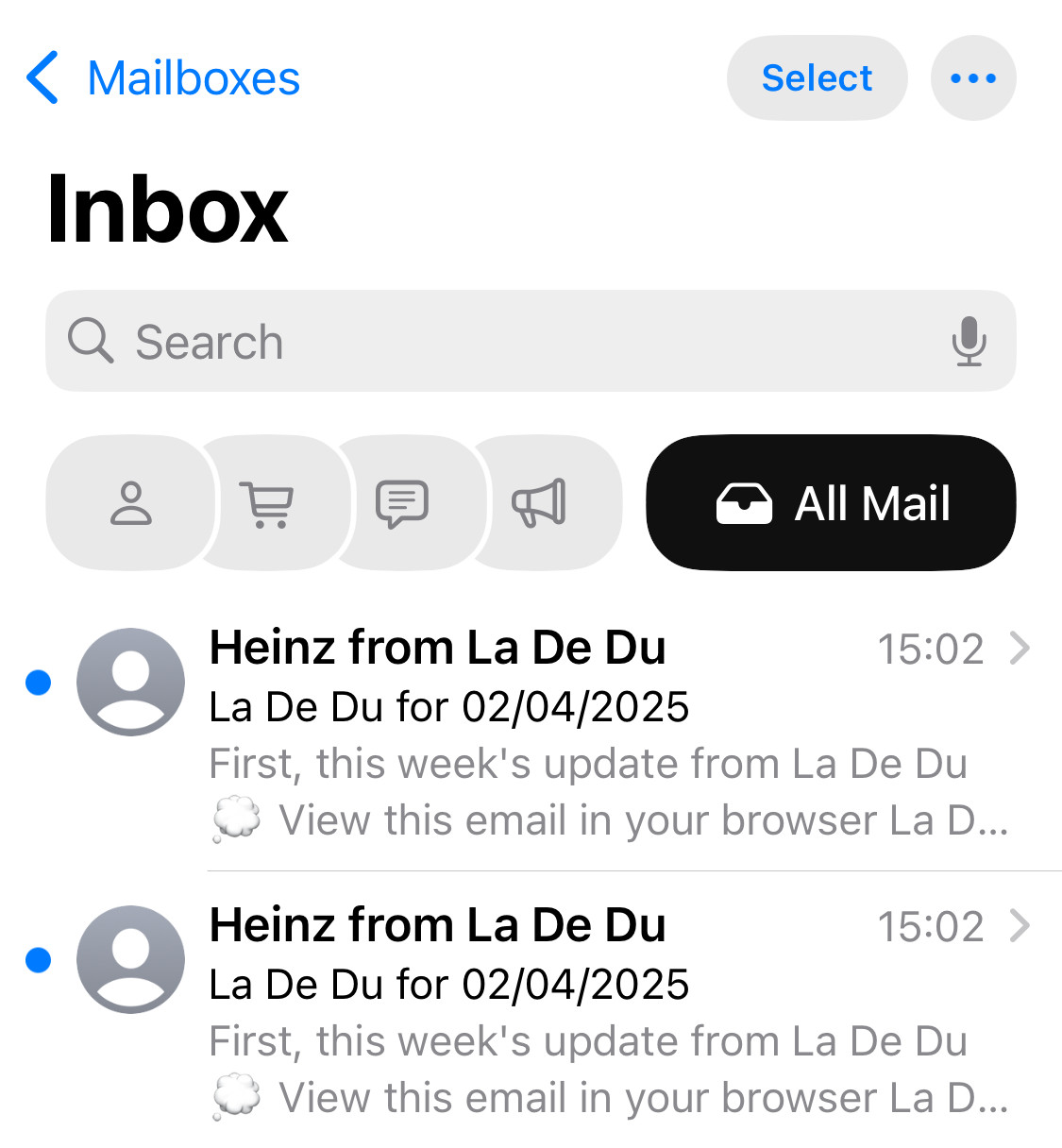
Hide the “All Mail” Tab in iPhone Mail
To hide the All Mail tab again and return to the regular inbox tabs in iPhone Mail:
- Swipe over the category headers from left to right.
Tapping: Tapping the All Mail header also works to hide it.
Here’s what happens: You will return to the tab in focus before All Mail was revealed.
Back in the inbox of everything?
Tips help fuel these email and tech how-tos.
How to See All Mail in Apple Mail for iPhone When Priority Inbox Is Enabled: FAQ
Can I also (temporarily) disable priority inbox?
Yes.
To disable priority inbox (categories) in Mail for iPhone:
- Tap the three dots menu icon (⋯⃝) in the Mail inbox.
- Select List View from the menu that has appeared.
Back: Select Categories from the same menu to return to priority inbox.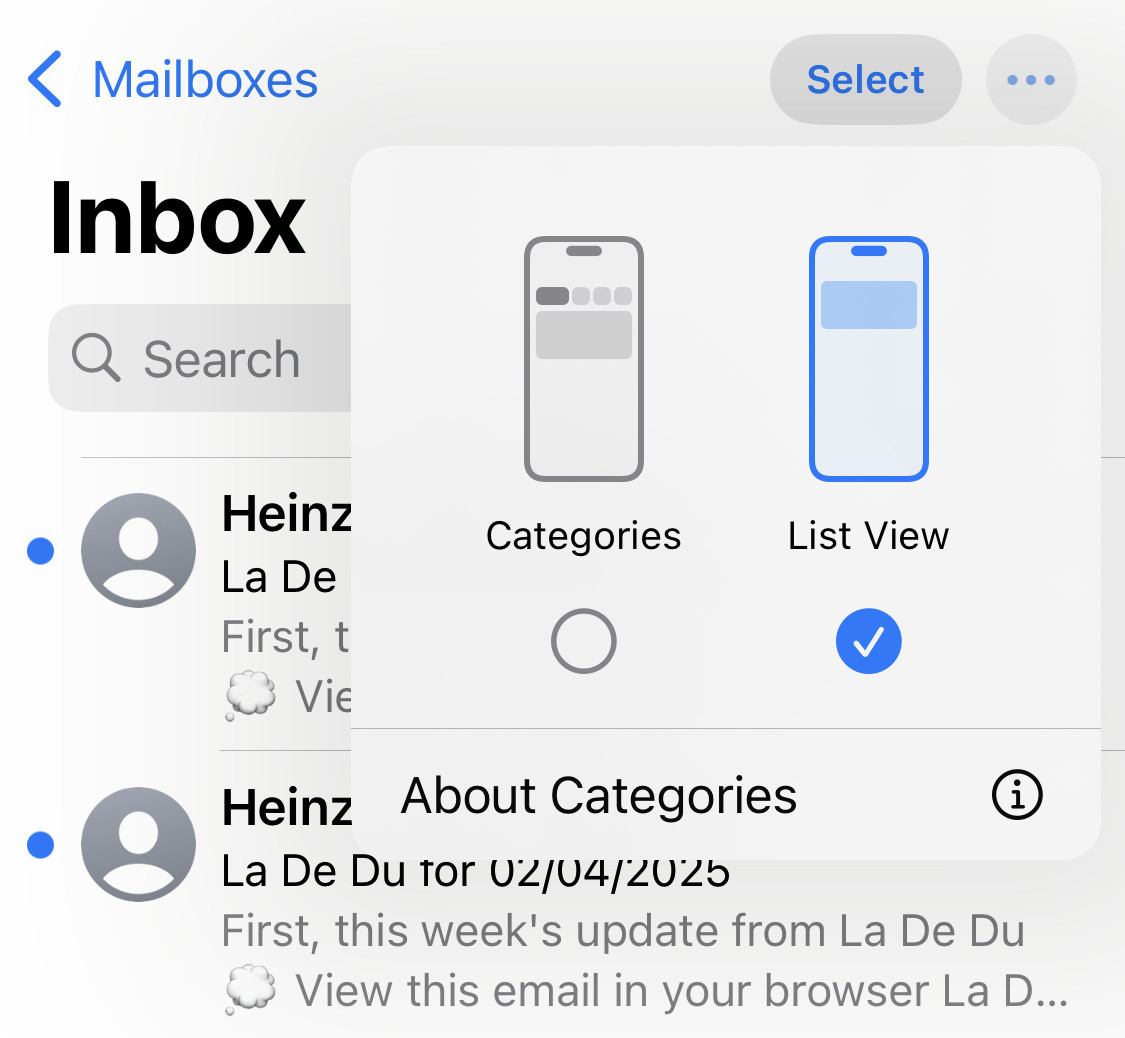
(Tested with iOS 18 and 26; first published February 2025, last updated August 2026)