

This newsletter has no priority, and that offer is not social? If Yahoo Mail has misclassified a message, you can move it to its proper place. Find out here how to move an email to a different Yahoo Mail priority inbox tab ⤓ in seconds.
On This Page
How to Move an Email to a Different Yahoo Mail Inbox Tab
Time needed: 1 minute
To reclassify a message in the Yahoo Mail inbox to a different priority tab:
- Open or select the email or emails you want to reclassify.
Multiples: Use the checkbox that appears in place of the sender’s initials or avatar as you hover the mouse cursor over it to select more than one email.
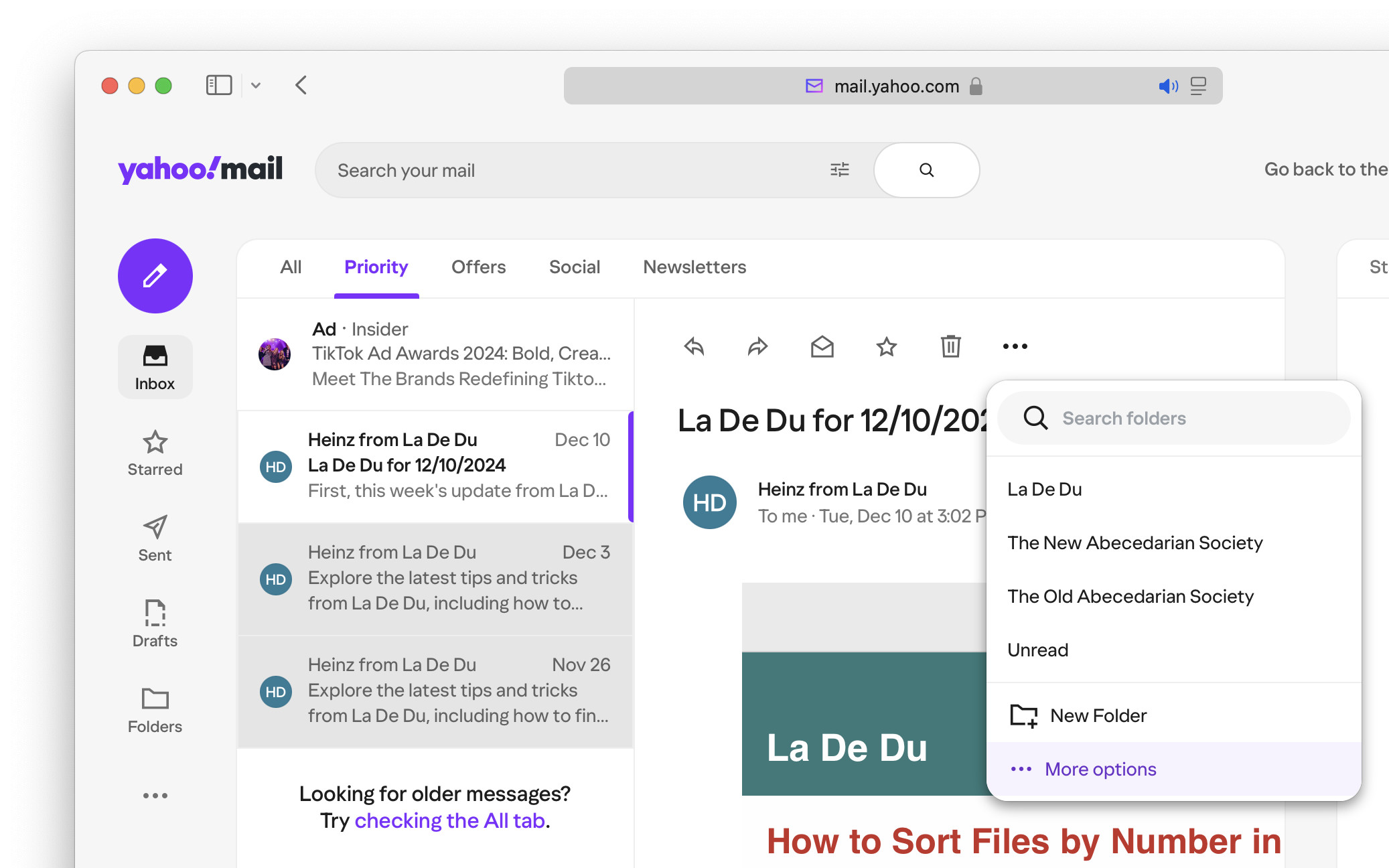
- Click Move in the toolbar.
Yahoo Mail keyboard shortcut: You can also press D to bring up the moving menu.
Dragging and dropping: Instead of using the Move menu, you can also drag and drop the email or emails onto the inbox tab header to move it. - Select ⋯ More options.
No search: Yahoo Mail will let you search for folders in the menu, but not for inbox tabs.
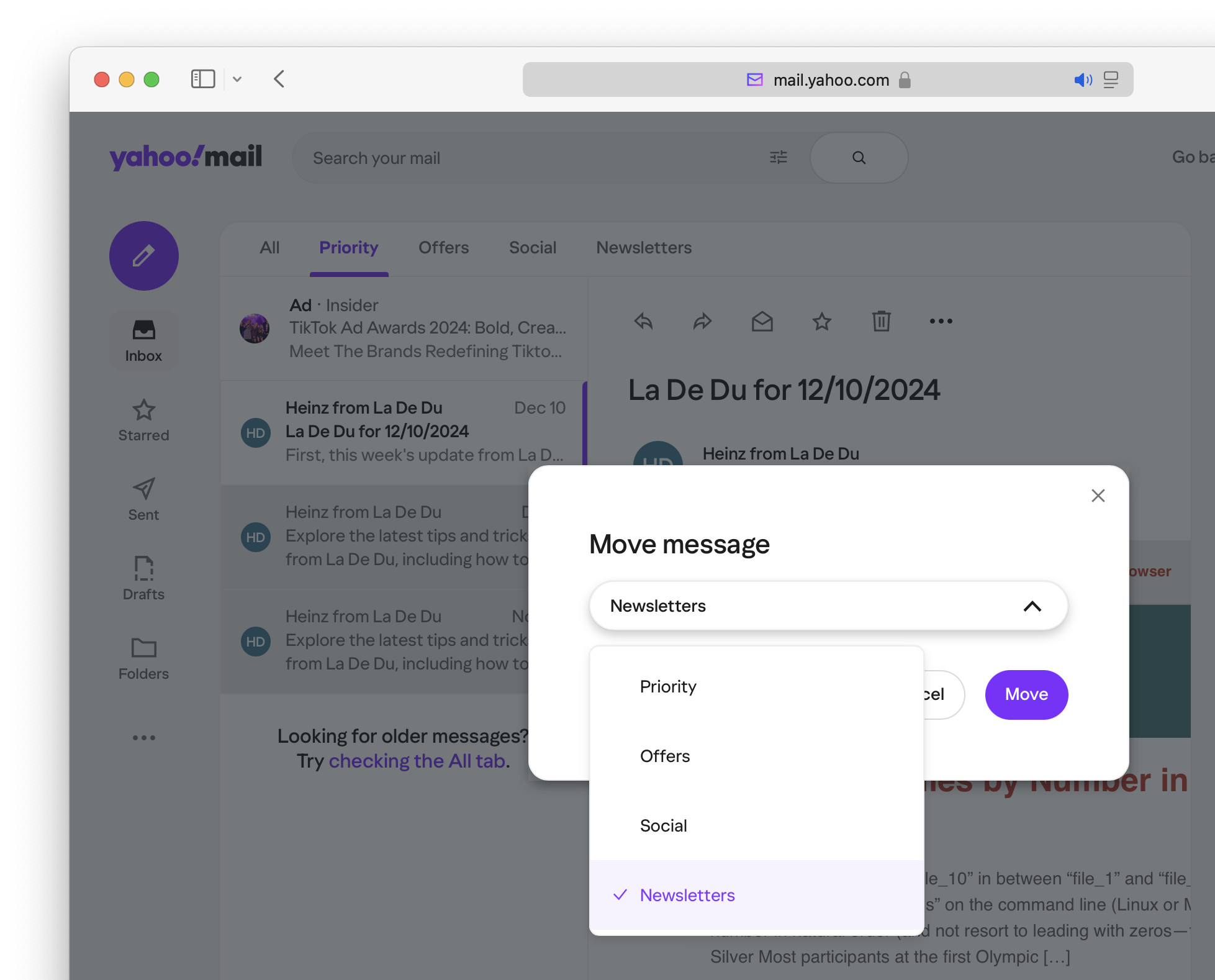
- Choose the inbox priority tab you want to use for the message.
- Click Move.
Their word: Yahoo include information on inbox categories in Mail help.
Dug an email from tabular entanglement?
Tips help fuel these email and tech how-tos.
How to Move an Email to a Different Yahoo Mail Inbox Tab: FAQ
Can I reclassify emails using the Yahoo Mail app?
No.
The Yahoo Mail app does not display inbox categories and does not let you classify emails to them. The same applies to Yahoo Mail in a mobile browser.
(Tested with Yahoo Mail in a desktop browser; first published December 2024, last updated August 2026)